Innovator 16.2
Innovator 16.2 has been available since January 27, 2026.
You can find all the most important information about the latest release here.
Find out what’s new and grab an upgrade to the latest Innovator version today.
New Access Options
The new 16.2 Release now makes it even easier for you to use Innovator throughout your entire company. The following options are available:
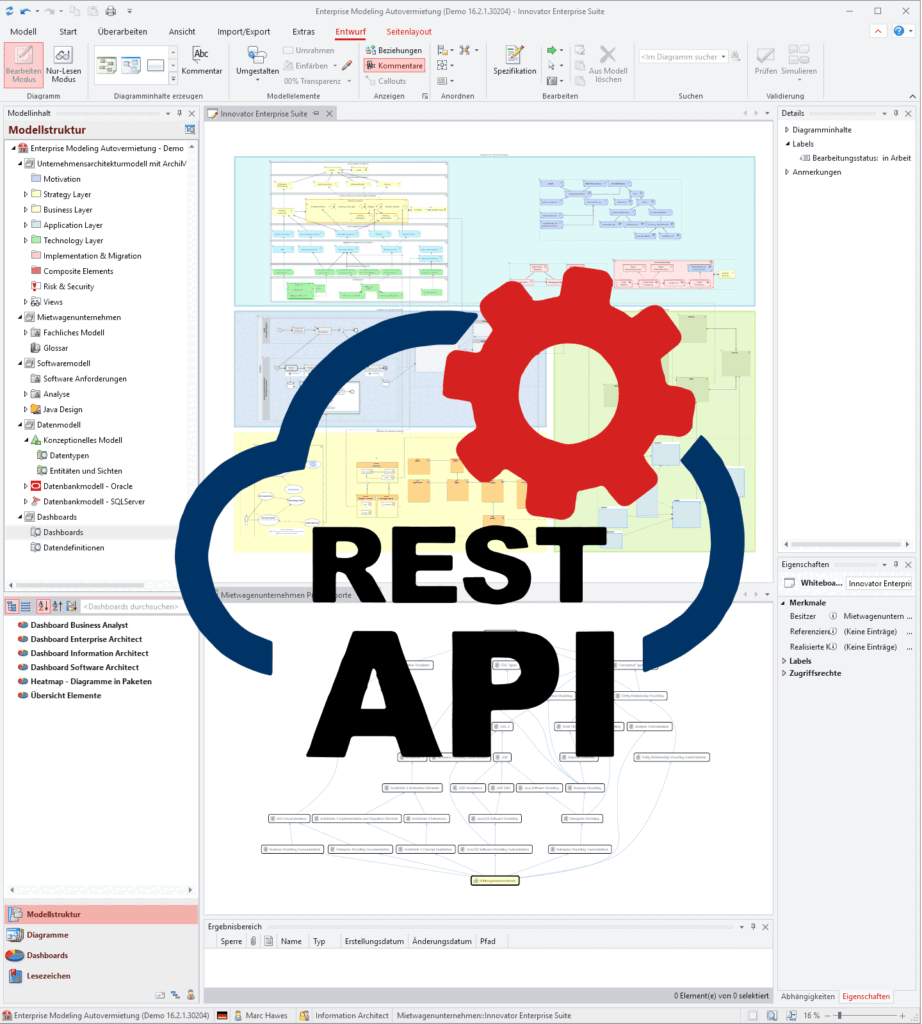
- Use the REST API to access all Innovator content, whether with read-only or with full write rights. Thanks to the plug-in concept, you can even connect to your own endpoints tailored specifically to your company.
- You can now use the Web GUI to conveniently view your Innovator elements and diagrams in the browser. You can always keep an eye on your dashboards without the need for extra installation.
- DataBridge can be used to integrate your Innovator models bidirectionally into other tools. It is currently already possible to use interfaces to OpenSearch, Neo4j®, Collibra and Apache Superset.
AI Readiness*
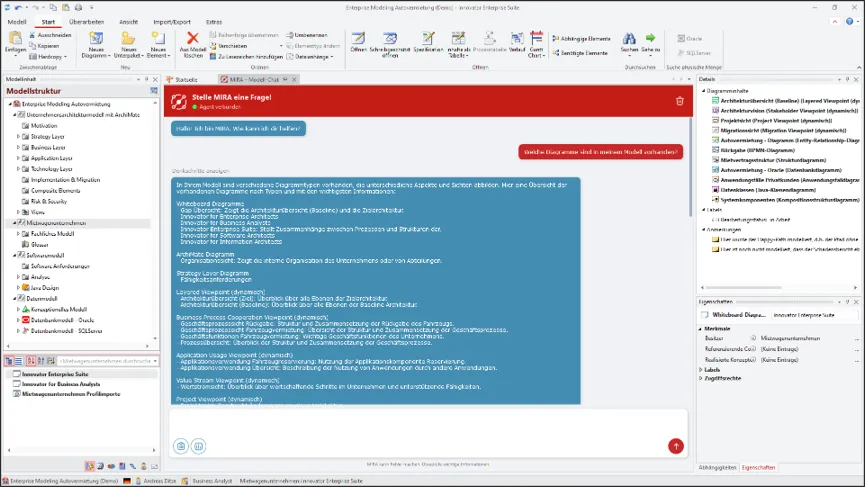
Your models are jam-packed full of knowledge. You can now share this knowledge and make it accessible to everyone in your company. You can use your Innovator models with an AI agent and easily search them using natural language queries.
You have three options to do so:
- Directly in Innovator using the MIRA plug-in
- Via a web interface without client installation
- Via an MCP server, allowing an LLM to access content directly. You can choose any LLM you require.
*Please contact our sales team for information about prerequisites and licenses.
Platform Improvements
The following new features are now available, making Innovator even more powerful:
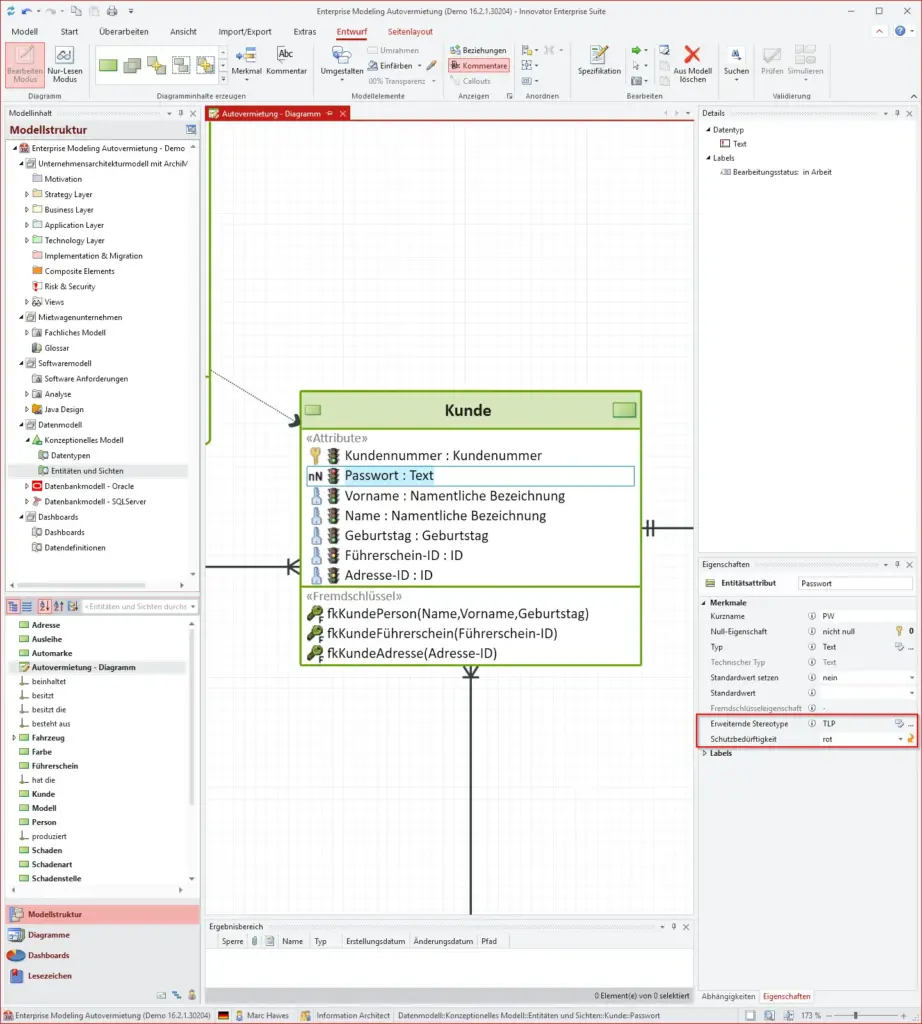
- Extending Stereotypes: It is possible to define any number of stereotypes with stereotype properties, type system options, labels and texts for the “Extension” element type. These extending stereotypes can be applied to almost all Innovator elements.
- Derived Relationships: Derived relationships are supported for modeling with ArchiMate® diagrams. Innovator automatically detects and manages the underlying paths for you.
- Handling of Managed Models: You can now group your managed models, model versions and backups into nested folders using drag-and-drop. You can also move managed models in the administration program, including all their versions, into another agent.
Advanced Options for Information Architects
- Implementation of User-Defined Functions (UDF): You can now create your own functions for Entity-Relationship (ER) and database modeling, including mapping between ER and the database, parameters in FROM clauses, IntelliSense and ER views.
- Improved Governance with Extending Stereotypes: You can now use dynamic properties via extending stereotypes for sensitive data (e.g. when using the traffic light protocol). This enables even more detailed labeling and controlling of your attributes
- Object-Relational Mapping and Modeling: ORDBMS support has been extended. You can find more information in the release notes for Innovator 16.2.
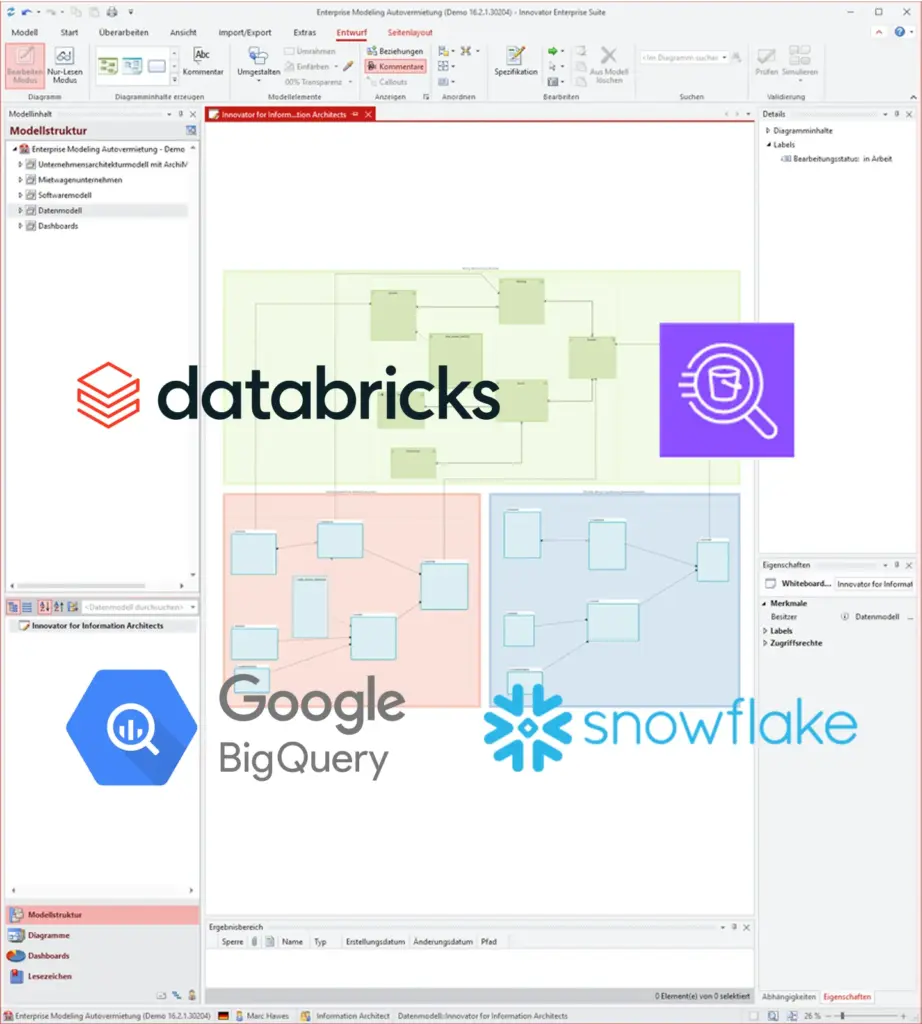
- Support for Modern Database Platforms: Innovator has been optimized for object-relational cloud databases. This includes platforms such as Databricks®, Athena, BigQuery and Snowflake®.
Further Improvements to Details for Proven Features
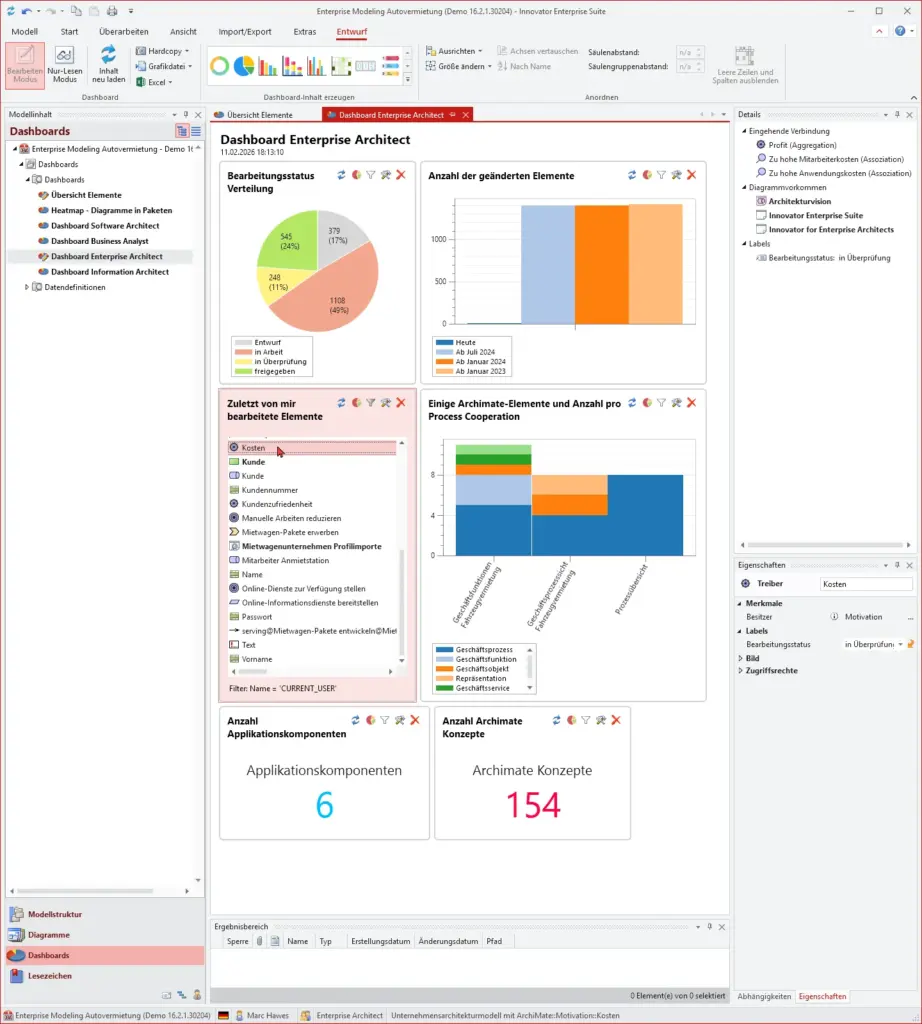
As well as all the new features, we have also made some general improvements to Innovator 16.2. Dashboards are now fully integrated into the model editor and can be stored anywhere. Bpanda Connector now uses the vector graphics stored in the model, allowing you to benefit from improved usage performance. PowerShell automation (PowerShell 7.6) now also runs on Linux. Impact analysis now has new configuration options and improved visualization of your diagrams.
Full Release Notes for Innovator 16.1
Rest assured, Innovator 16.2 has got plenty of new features for you. Read our detailed release notes to find out about all new features, updates and fixed bugs explained in detail.
Info Material for Innovator 16.2
Discover our extensive info material about Innovator 16.2 to help with your installation and migration. Our cheat sheet has loads of handy keyboard commands for you to make modeling in Innovator even easier.
Installation Manual
You can find all information required for installing Innovator 16.2 here.
Migration Manual
The migration manual can help you to migrate your existing models, licenses and user customizations.
Keyboard Commands
Our overview gives you handy shortcuts for the English and German keyboard.
Your Installation Package for Innovator 16.2
The following contains installation files available for the release. You can also download Bpanda Connector here.
| Innovator Release | Description |
|---|---|
| Server and Client Programs for Windows (MSI) | |
| InnovatorEnterprise.zip | Innovator 16.2 for Windows. Offline installation package; MSI file does not check if softwares requirements are necessary. |
| Client Programs for Windows 10 (MSIX) | |
| InnovatorEnterpriseClientMSIX.zip | Innovator 16.2 for Windows 10. Contains MSIX base package for client programs and MSIX plug-in package for plug-ins. Please contact our support team for help using the package. |
| Server Programs for Linux | |
| Linux_opensuse150_64Bit.zip | Innovator 16.2 for OpenSUSE 15.0 and Red Hat Enterprise Linux 8. |
| Bpanda Connector | |
| InnovatorBpanda.zip | Bpanda Connector plug-in for interaction with Bpanda. |
| Innovator Office Integration | |
| Office_Integration.zip | Innovator Office Integration 16.2 for Windows. |
| Innovator_Runtime.zip | Runtime libraries for Innovator Office Integration 16.2. |
Innovator Online Help & Support
Have you got any questions about a release or do you need support with your Innovator upgrade? Our Online Help has all the information you need to use Innovator and our Support Team will be happy to answer any questions you may have. Simply fill out the Support Team contact form.
We’d be happy to help you.